Legal Appointment Booking Software for Law Firms2026-08-12T16:15:18-04:00

Legal Appointment Booking Software for Law Firms

Let clients book consultations online — and let every booking flow straight into your intake, calendar, and billing

RunSensible’s legal appointment booking software gives solo lawyers, paralegals, and small firms a simple way to end scheduling phone tag. Clients pick a time from your real availability, and RunSensible handles the rest: confirmations, reminders, intake, and follow-up — all inside the same platform that runs your matters and billing.
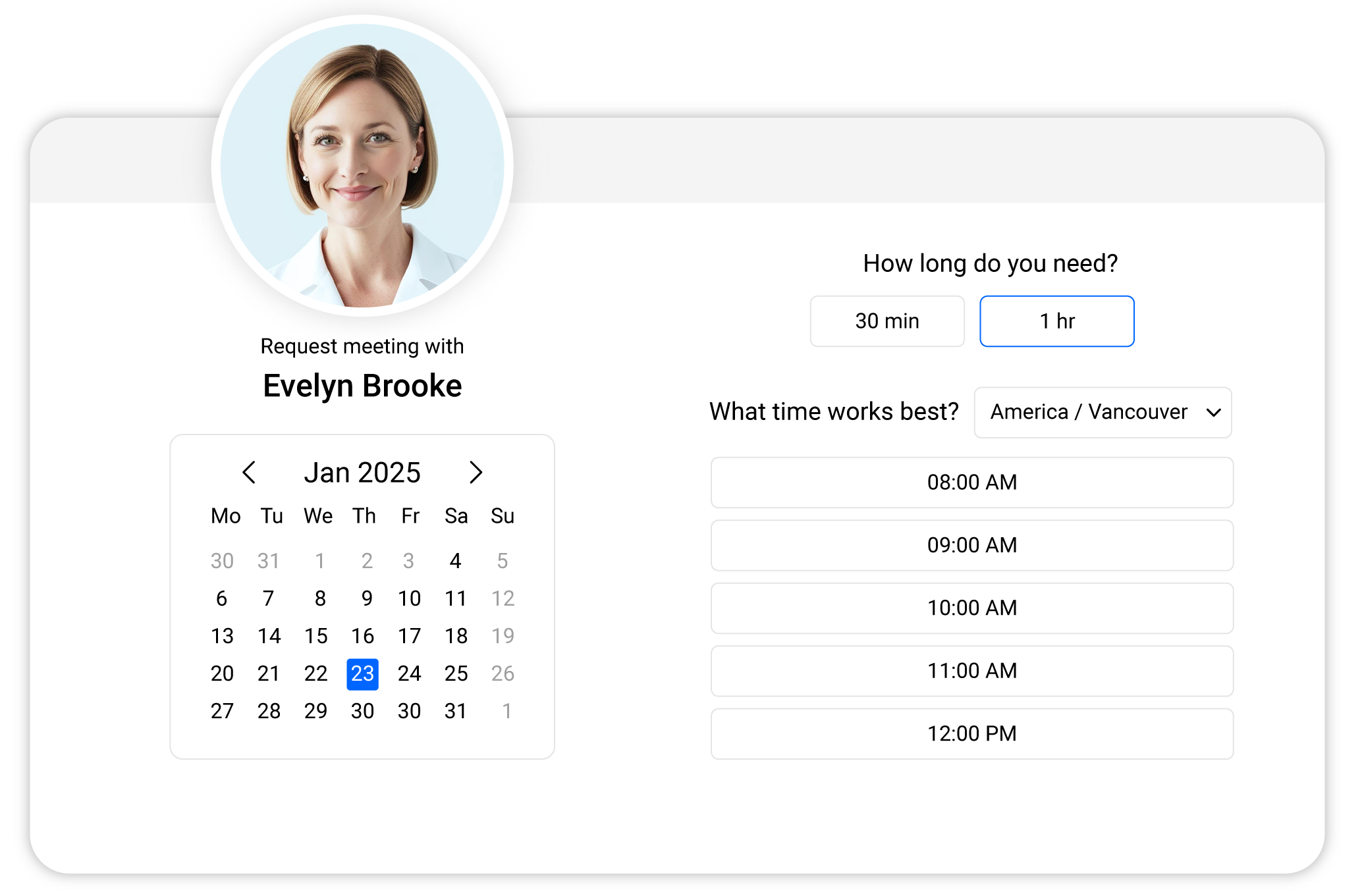
Legal Appointment Booking

What Is Legal Appointment Booking Software?

Legal appointment-booking software lets clients and prospects schedule meetings with a law firm online, without calling or emailing. It displays real-time availability from the firm’s calendar, schedules the appointment with the appropriate team member, sends automatic confirmations and reminders, and — when it’s part of a practice management platform like RunSensible — links each booking to client intake.

Manual Scheduling Is Costing Your Firm Clients

Every consultation booked by phone or email costs your firm twice. First in staff time: the back-and-forth of finding a slot, confirming it, and rescheduling when plans change. Then in lost business: prospects who research lawyers in the evening won’t wait until your office opens — they book with the firm whose calendar is open at 9 p.m.
Add no-shows, double-bookings, and consultation details scattered across inboxes, and scheduling becomes one of the most expensive “free” processes in your practice.
RunSensible replaces that process with a booking link.
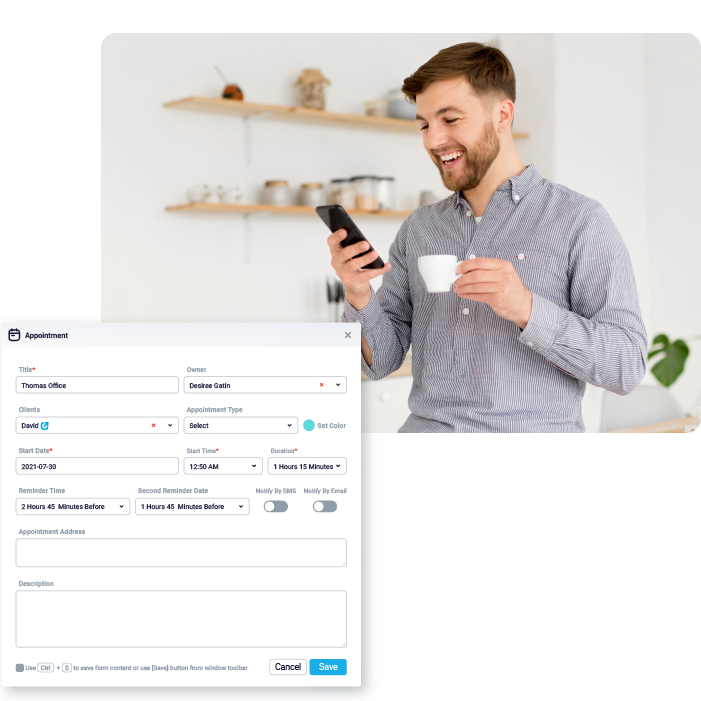
Legal Appointment Booking Software

What Your Firm Gains

Win after-hours leads

Prospects can book a consultation from your website or a shared link at any hour — no call required.

Fewer no-shows

Automated email and text reminders keep clients informed and on time.

A calendar that protects your time

Bookings respect your availability, and your synced calendar prevents double-booking.

No copy-paste admin

Because booking lives inside RunSensible, appointment details land in the client’s record — not in a disconnected scheduling app.

Appointment Booking Capabilities Built for Legal Work

Custom booking links for every team member

Create booking links tailored to each lawyer, paralegal, or staff member’s availability. Clients book directly with the right person for their matter — new consultations with the intake lead, follow-ups with the responsible lawyer.

Client self-scheduling, 24/7

Share your booking link on your website, in emails, or by text. Clients see only the time slots you make available and book at their convenience. Both sides get an automatic confirmation email the moment the appointment is set.

Calendar sync that prevents double-booking

Connect your Calendar so every booking appears instantly alongside your existing commitments. Busy times are blocked automatically, so clients can never book over a court date or an existing meeting.

Automated reminders that cut no-shows

Connect your Calendar so every booking appears instantly alongside your existing commitments. Busy times are blocked automatically, so clients can never book over a court date or an existing meeting.

Scheduling for the whole team

Manage appointment types and availability across your firm, including consultations, document signings, and case reviews, so front-desk staff and lawyers can work from one source of truth instead of juggling calendars.

Booking with payment

This is where a booking link becomes a business tool. Set the appointment to require payment of consultation fees or retainers through Card or PayPal as part of the booking, so you walk into every consultation prepared and paid.

Make the software fit your practice

Standalone form or intake tool RunSensible
Client self-booking, 24/7 Yes Yes
Email confirmations and reminders Requires integration Yes
Text (SMS) reminders Yes
Books into legal calendar with your matters and deadlines Yes
Creates a lead/client record automatically Yes
Consultation fee or retainer collection Limited Yes

Legal Appointment Booking Software FAQs

Legal appointment booking software enables clients to schedule meetings with a law firm online based on the lawyer’s availability. It automatically handles confirmations and reminders, avoids double-bookings via calendar synchronization, and, on platforms such as RunSensible, links each appointment to the client’s profile.

You share a booking link on your website, in an email signature, or via text. Clients open the link, see the time slots you’ve made available, select one, and receive an automatic confirmation email. The appointment appears immediately in your RunSensible calendar and your synced Calendar.

You receive a notification as soon as a booking is made, your integrated calendar updates automatically, and a confirmation email goes to both you and the client.

Yes, every lawyer, paralegal, or staff member can have customized booking links that align with their availability and appointment types, ensuring clients book the right person.

You can require payment as part of your booking, using a card (Stripe) or PayPal.

Automated email and text reminders are sent before each appointment to help clients remember and retain the details. Firms that add reminders to self-booking typically see fewer missed consultations than with phone-only scheduling.

No. Appointment booking is included in RunSensible, so you don’t need a separate Calendly-style subscription. Bookings, intake, matters, documents, billing, and client communication all live in one platform.

Stop Trading Phone Calls. Start Booking Clients

See how much admin time a booking link can replace. Try RunSensible free, or book a demo and we’ll walk you through the booked-to-billed workflow with your firm’s use case.

14-day free trial. No credit card required.

Ready to Transform

Related Resources

Go to Top